
Getting Catawba County Court Records
Start with the basics. Write down the case number and the party name. Add the document title if you have it. Know the copy type you need. An ordinary copy and a certification follow different routes. The free North Carolina Portal can locate eligible public Catawba cases. No registration is required. Smart Search then opens the public Register of Actions or Case Summary. An available case number and the public event trail help define the request.
The Portal is just one channel. For the local Catawba file, work through the Clerk of Superior Court. The counter and the public self-service terminal both work. So do phone contact, the original paper file, or a mail request confirmed with the clerk. The terminal and the original file matter most. They shine when a result is not online or a formal copy is required. One caution applies here. The NCAOC administrative-record request form is not the normal route for a Catawba case document.
- Locate the Catawba case in Portal or identify its case number and party name.
- Decide whether the request is for a docket, a public document, an ordinary copy, or a certified copy.
- Contact or visit the Catawba Clerk to confirm the case, public-access status, and current copy procedure.
- For a mail request, provide the case number, document title, certification need, contact information, and delivery preference after speaking with the clerk.
- Use the Catawba clerk’s counter, terminal, phone, or confirmed mail route to complete the request.
The Judicial Branch’s court-records access instructions walk through every channel, from the clerk and the terminal to paper files, copies, audio, transcripts, and the archive.
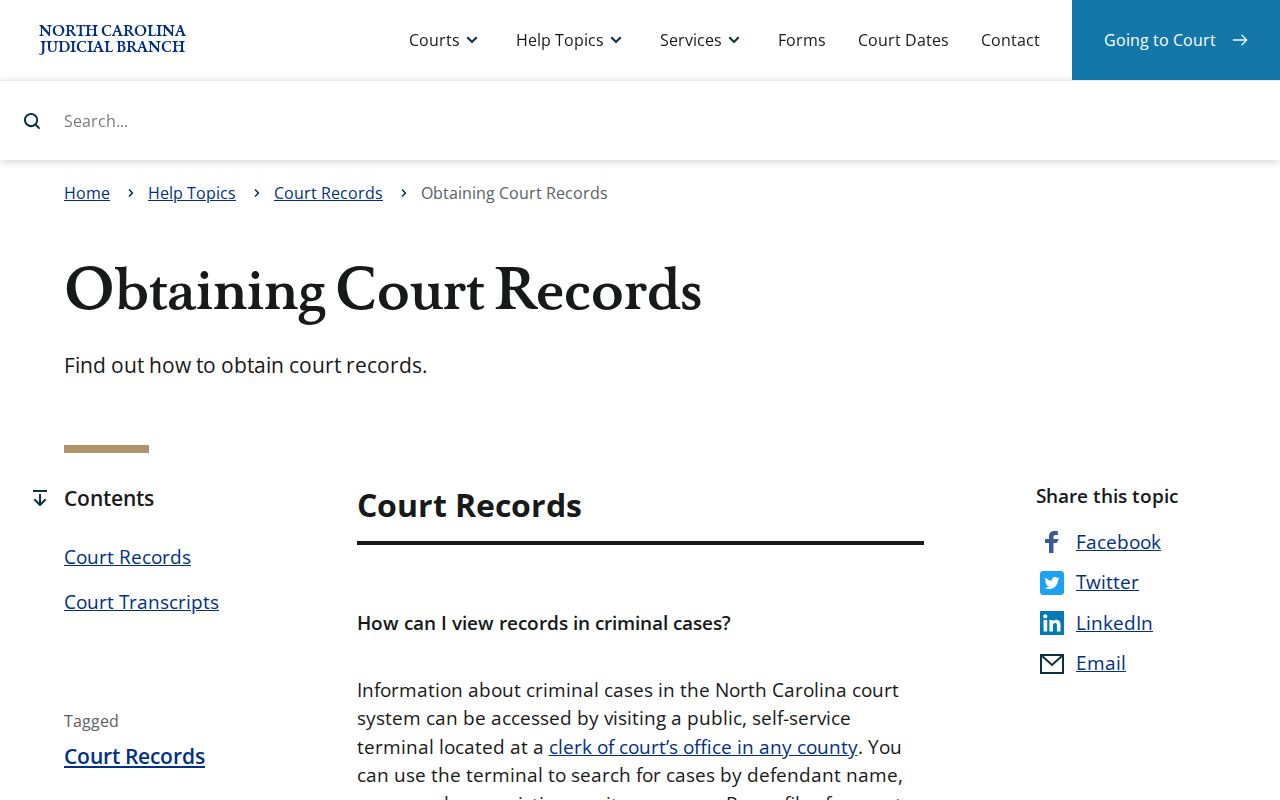
Those statewide instructions map neatly onto the Catawba workflow. The clerk in the county where the case sits holds the original court file and provides ordinary court copies.
Catawba Court Records Start With the Correct Custodian
One Clerk of Superior Court serves Catawba for both Superior and District Court functions. That unified office keeps the record trail for criminal, civil, traffic, small claims, domestic, juvenile, special-proceeding, and estate matters. Access rules always apply. The Portal indexes eligible Catawba material online. The clerk remains the local custodian of the case file, the copies, and the certification.
Skip the NCAOC public-record request form when you want a case copy. That form covers existing Judicial Branch administrative records. Its own instructions say NCAOC is not the custodian of case documents or case information. The county publishes no docket-sheet or certified-copy request form of its own. So the Catawba records desk, department line, or counter is the route. A confirmed mail procedure also works. Confirm any mail steps with the clerk first.
Custodian check: File & Serve is used to submit filings, not to search Catawba public records. Registration for Portal can save cases in My Cases, but it does not expand public access.
Court Record Types
A Catawba court record may be a dated docket trail, an actual filing, or a clerk-authenticated copy. The type matters. It tells the Catawba clerk which access and fee rules to apply. Ask for the right one. A document can be public and available from the opened case or the clerk file. A certified copy is separate. It is clerk-issued and under seal.
- Register of Actions or Case Summary docket entries.
- Public pleadings, orders, judgments, and other filed documents.
- Superior and District Court criminal case records.
- Civil, special-proceeding, estate, and related public case records.
- Clerk-issued certified copies and, where appropriate, exemplifications.
Court dates run on a related but different route. Use Portal Search Hearings, the case Hearings section, and a local calendar, then confirm with the clerk. An online case display helps you find a record. It is not automatically the document or certified copy a Catawba request requires.
Catawba Court Record Docket, Document, or Certified Copy
These layers are not interchangeable. The Register of Actions or Case Summary is the dated public trail of events, settings, and dispositions. A document is a public pleading, order, judgment, or other filing from an opened case or the clerk file. A certified copy sits apart. It bears certification under seal when requested and available.
- Docket or Register of Actions
- The Catawba timeline of public case activity, useful for locating events, settings, and dispositions.
- Document
- A public filing or court paper; availability depends on upload, processing, and access limits.
- Certified copy
- A Catawba clerk copy under seal, requested when an official authenticated record is needed.
- Exemplification
- A higher-authentication court record service for which the clerk statute sets a separate fee.
Portal documents download one at a time. A large document can trigger an error that needs clerk help. The case display remains a useful Catawba research and locating tool, but the clerk is the practical route for an official copy.
Inside a Catawba County Court Record
A public Catawba case record can hold several parts. Expect a case and assignment header, Party Information, a chronological Case Events trail, Hearings, Dispositions, Financial Information when present, public documents, and civil Causes of Action when they apply. Portal shows only what is available and public. It does not promise every field will be filled. When a linked document exists, read the event date, the event title, and the file together.
| Case number | The Portal identifier used to locate the Catawba case and the clerk file. |
|---|---|
| Case and assignment | Basic case data and available court-assignment information. |
| Party Information | Public party roles, subject to access limits; victims are excluded from Portal search returns. |
| Case Events | The date-ordered public record of docketable activity. |
| Hearings and Dispositions | Available settings and recorded resolutions; confirm a current Catawba setting through Search Hearings or the clerk. |
| Documents | Available public filings and images, subject to uploading, processing, and confidentiality limits. |
| Financial Information | Appears only when information exists; a missing Catawba block does not establish that the case is final or public. |
In civil categories, Causes of Action can identify a classification when populated. It is no determination on the merits. Fields vary. A Catawba record’s visible fields change with the case type, the record history, and the governing access rule.
Catawba Court Record Audio and Transcript Routes
Audio and transcripts sit outside the docket, document-copy, and certified-copy lanes. The Judicial Branch directs transcript requests to the court reporter or transcriptionist. The price is set independently. A docket entry proves none of this. It cannot show that a Catawba recording exists, that it is releasable, or that it replaces a transcript. Available nonconfidential audio may be requested through Form AOC-G-114, which carries an actual-CD charge. Confidential recordings are different. Those can require court permission through Form AOC-G-115. Ask the Catawba clerk about the right route for the particular matter. The online Case Summary is not an audio archive.
Fees and Certified Copies
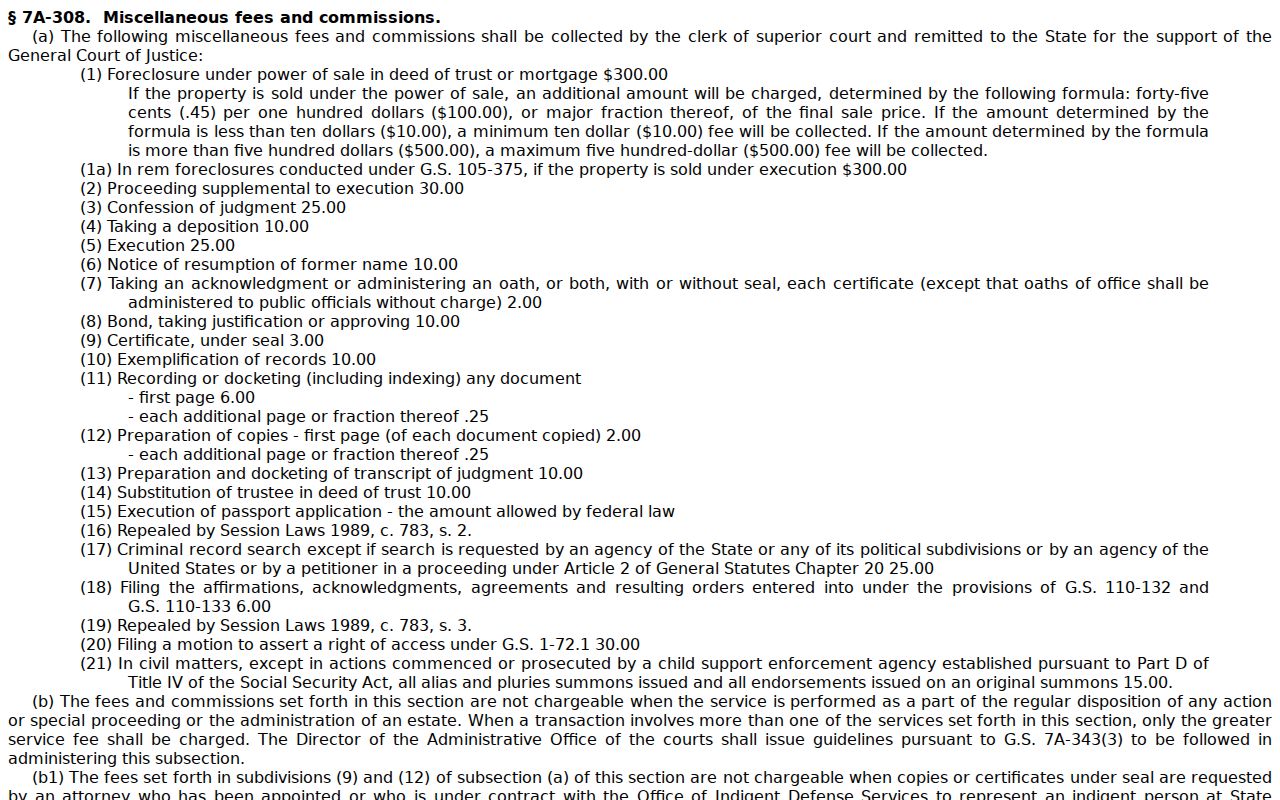
North Carolina law splits free public searching from paid clerk services. Searching the Portal costs nothing and needs no registration. Want a paper copy from the Catawba clerk, a certificate under seal, an exemplification, or a county criminal-record search? N.C.G.S. 7A-308 sets those fees. No docket-sheet fee is listed on its own, so tell the clerk exactly what you need, whether that is a copy, a certification, or a search.
| Item | Amount |
|---|---|
| Clerk preparation of the first page of each document | $2.00 |
| Each additional copy page or fraction | $0.25 |
| Certificate under seal | $3.00 |
| Exemplification of records | $10.00 |
| County criminal-record search | $25.00 |
Catawba Clerk of Superior Court
Justice Center, Department A
100 Government Drive
Newton, NC 28658
Main clerk: (828) 695-6100
Read N.C.G.S. § 7A-308 for the exact copy, certificate, exemplification, and search fees.
Paying a Catawba monetary obligation by mail? The county payment information allows money orders and certified checks, payable to the Catawba County Clerk of Superior Court. Cash and personal checks do not work by mail. At the counter, the published options are cash, card, money order, and certified check, though card payments carry processing fees. Personal checks are not accepted at the counter either.
Catawba Court Record Fee and Copy Route
Know what you are asking the Catawba clerk for before you call. A plain copy, a certificate under seal, and an exemplification are different services. They carry different fees. First confirm the current procedure by phone. Then give the Catawba case number, the document title, your contact information, and how you want delivery. The main clerk number is (828) 695-6100. Civil is (828) 695-6103, Criminal is (828) 695-6102, and Estates/Juvenile is (828) 695-6104.
Fee distinction: The $25 statutory Catawba criminal-record search is separate from a free public Portal docket search. It is not a fee for simply opening an eligible public Case Summary online.
Catawba's payment page covers court fees, fines, and citations only. It posts no stand-alone certified-copy mail form and no processing time. Confirm the Catawba copy procedure by phone before mailing anything, rather than assuming a payment method or turnaround.
Sealed Records and Public Access
Catawba public access starts with a simple rule. Clerk records, files, dockets, and indexes stay open for inspection unless a law blocks access. The counter, the clerk, and the self-service terminal all matter here. One caution applies. A Portal display is never a certified copy. And an empty Catawba result online proves nothing. A case or an older paper file may still exist.
Key rules:
N.C.G.S. § 7A-109 requires clerk recordkeeping and allows public inspection during regular office hours unless access is prohibited.
N.C.G.S. § 132-6 supplies an inspection and copy route for public records, subject to applicable exemptions.
N.C.G.S. § 7B-3001 makes juvenile records confidential, so they are not ordinary public Catawba court-record results.
Sealed or confidential Catawba data never appears online. The restricted list covers juvenile matters. It also names unreturned criminal warrants, protective-order records, domestic-violence protection orders, named confidential special proceedings, and certain restraining-order categories. Some public domestic-violence cases carry online-restricted data. The Catawba terminal can help confirm what shows where. The clerk still decides any inspection, copy, or court-order route.
Catawba Court Records: Older Paper Files and Federal Cases
Catawba went live on eCourts on October 13, 2025. Portal is now the online route for eligible records. Going digital does not put every older Catawba paper file on the screen. Legacy data moved into Enterprise Justice. Yet a historic paper file can still sit with the clerk. Sealing or confidentiality can limit material even where a case index exists. Start with Portal. Then try the Justice Center terminal or the clerk file. Add a separate archive or transcript route if needed. A Catawba state-court record is not a federal record. Portal and the Catawba Clerk handle North Carolina trial-court matters only. Federal civil and criminal cases here belong to the United States District Court for the Western District of North Carolina. Federal bankruptcy matters go to the United States Bankruptcy Court for the Western District of North Carolina. A party or property in Catawba does not put a federal case in the Catawba Portal. The Western District of North Carolina Bankruptcy Court lists offices including Statesville for the federal bankruptcy route.
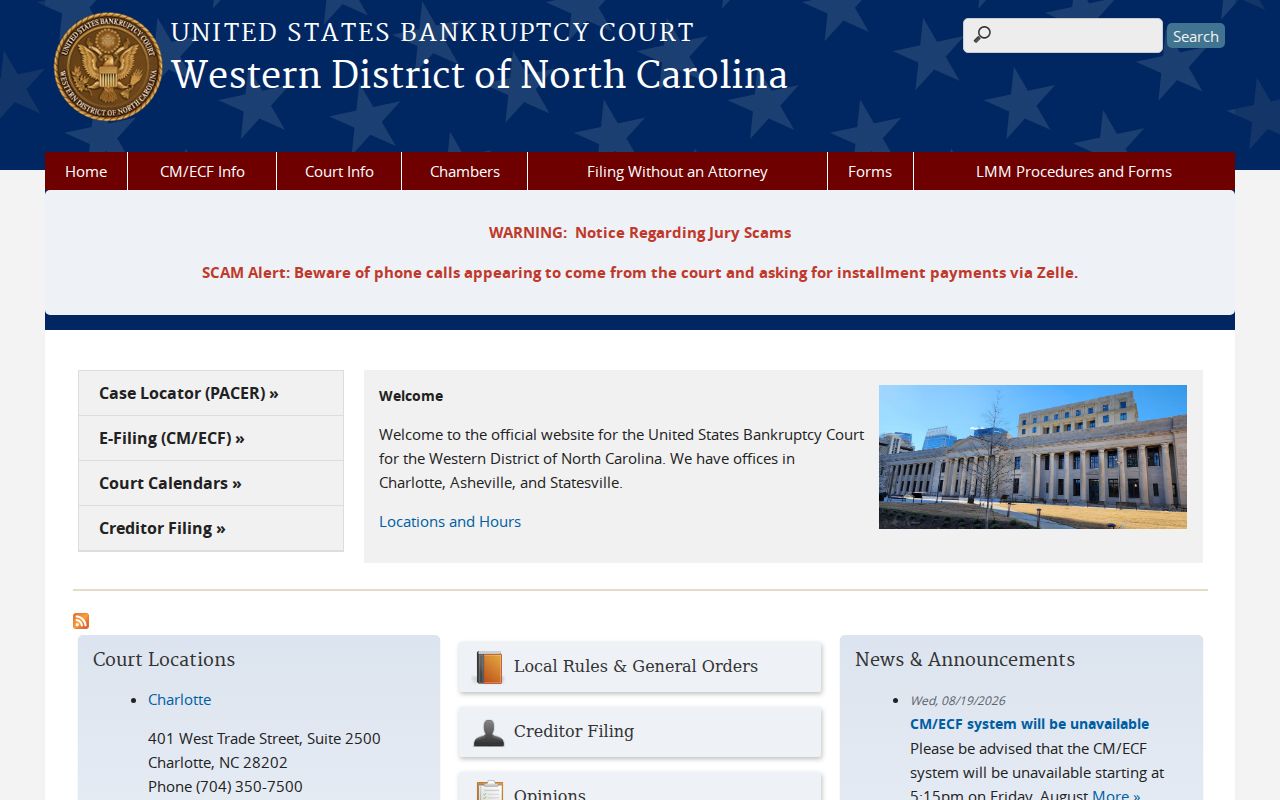
That federal bankruptcy route stands apart from any Catawba Superior or District Court file. Even the same county facts can sit behind both cases. The Judiciary's PACER fee FAQ explains how the federal public-access system works. Registering is free. PACER charges $0.10 per page for most access. It caps a single document at $3. When quarterly charges do not exceed $30, no bill goes out.
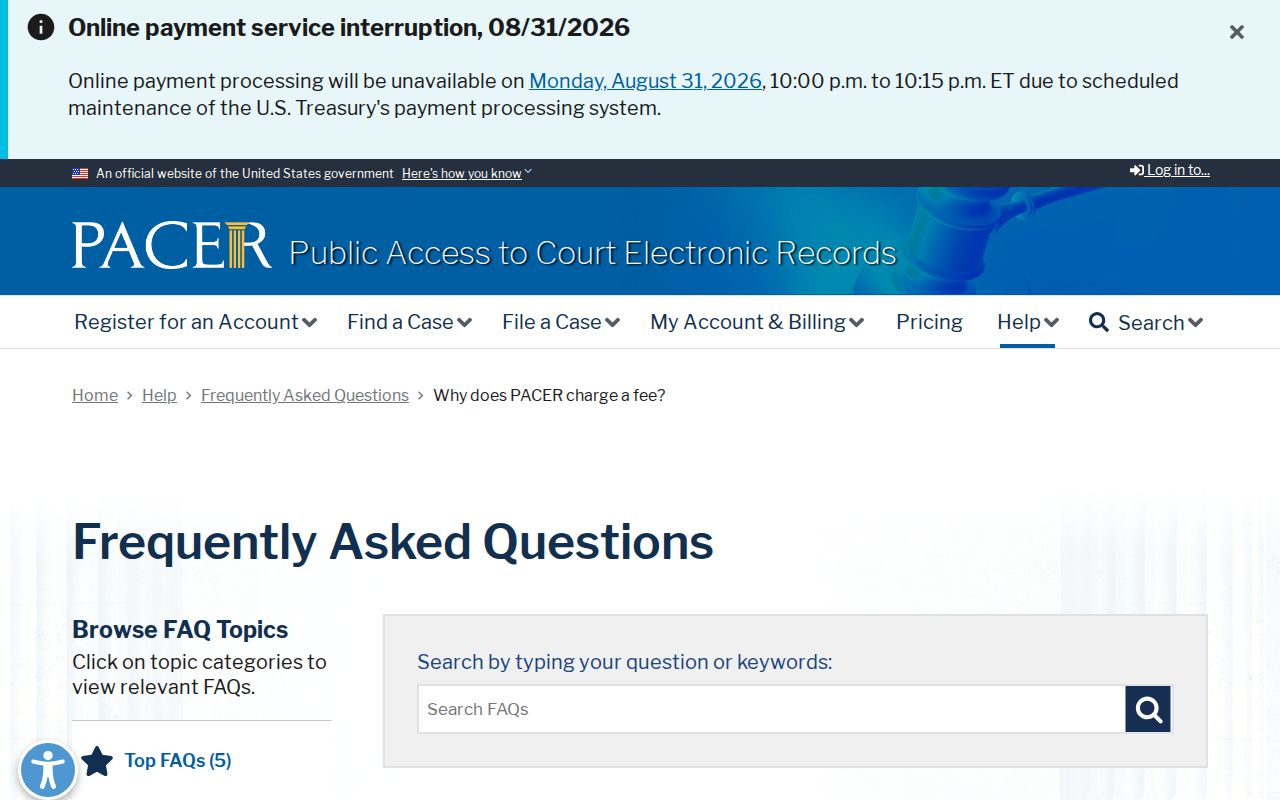
PACER's federal fees do not touch the Catawba Portal, which stays free for eligible state trial-court records. For a federal case number and the correct court, the PACER Case Locator is the federal search entry point.
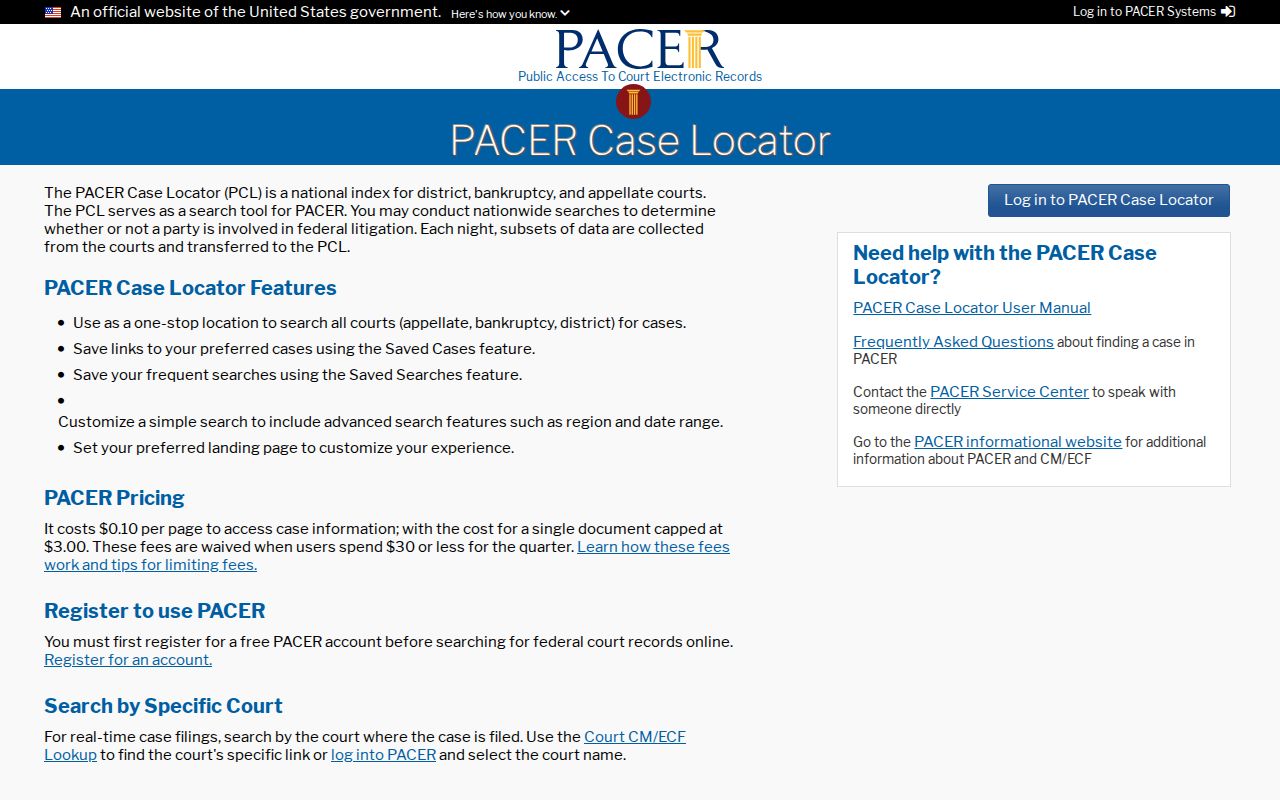
Use PACER to confirm federal docket text and filed documents at the federal court of record. For North Carolina Superior and District Court records, use Portal and the Catawba Clerk.