
Searching Catawba County Civil Dockets
Begin with the free North Carolina Portal and its Smart Search tool. The basic field is labeled “Record Number or Name.” Enter a full record number if you have one. Or type a name in last-name, comma, first-name form. Once the Catawba search runs, open Advanced Filter Options and set Location to Catawba County.
Too many results? Narrow them with Case Type, Case Status, filing date, or a birth-year range. Smart Search caps output at 200 results. So a broad wildcard rarely helps at the start. Click the underlined Catawba case number to reach the Register of Actions or Case Summary. That is the public timeline of the matter. Remember that this view is not a clerk-certified copy, and some court categories may never appear online.
- Open Portal and select Smart Search.
- Enter a complete record number or a name in the published format.
- Open Advanced Filter Options and select Catawba County.
- Use civil case type, status, filing date, or birth-year range when it narrows a real result.
- Open the underlined case number and review the available Case Summary sections.
Catawba Civil Docket Case Type and Assignment
Catawba shares one Clerk and one Portal route. Yet its civil matters land in more than one division. Catawba Superior Court, part of Judicial District 19, takes civil matters assigned to that division. It also follows the local civil case-management plan. Catawba District Court in Judicial District 36 handles civil matters within its own jurisdiction. Magistrates hear small claims and summary-ejectment matters, while estates and special proceedings are clerk-administered categories.
The county’s local rules and forms page is the official place to go. Find Catawba’s local civil materials and case-management links there.
Once you open a Catawba result, read Case Type and Assignment Information first. That section tells you whether the civil docket sits in Superior Court, District Court, before a magistrate, or in clerk-administered processing.
Inside a Catawba County Civil Docket
The Portal Case Summary is arranged by whatever sections exist. It does not follow one fixed docket form. Case Information and Assignment Information identify the matter and its Catawba court assignment. Party Information lists public party roles, subject to access limits. Causes of Action may appear for civil, family, probate, or mental-health categories when populated. Even so, a classification is never a finding on the merits.
| Record Number or Name | Start Smart Search with a complete record number or a last name, comma, first name, then select Catawba County. |
|---|---|
| Case Type, status, and filing date | Advanced filters that help distinguish public results with similar names. |
| Case and assignment | Sections used to confirm Superior, District, magistrate, or clerk-administered routing. |
| Party Information | Public party-role information, subject to the case’s access limits. |
| Causes of Action | Available civil, family, probate, or mental-health classification when the case has it. |
| Events and documents | Date-ordered public activity and any available public filings; read event date, title, and document together. |
| Hearings and Dispositions | Settings and recorded resolution information when present; confirm a current setting through Search Hearings or Catawba staff. |
A section can be missing simply because the case has nothing to report there. An empty financial block, document, or hearing field does not settle whether the Catawba file is final, public, or complete.
Catawba Civil Docket Legacy CVD, CVM, and CVS
Older Catawba civil matters can still carry legacy references. The county now runs on Enterprise Justice through Portal. Today’s statewide Catawba number has a filing year, case-type letters, a six-digit sequence, and a three-digit county identifier. Guessing a suffix is not safe. Confirm the division and current status from the opened Catawba record, never from a prefix alone.
- CVD
- Legacy reference for Civil General.
- CVM
- Legacy reference for Civil Magistrate.
- CVS
- Legacy reference for Civil Superior.
- CCMS
- Civil Case Management Schedule; a later amended schedule can follow a calendar change.
- FTC
- Final Trial Calendar, the local Superior Court civil trial list.
Other retained legacy letters include T for civil transcript, M for miscellaneous civil judgments, R for registration, and E for estates. These labels help you locate and read a public Catawba civil record, but the assignment details shown inside the case still control.
Civil Case Types on the Docket
One unified search route does not make every Catawba civil file the same type of matter. The Portal’s case type and assignment fields are the practical way to the right division. For a public record, the categories documented for Catawba include the following court and clerk pathways.
- Superior Court civil matters assigned to Judicial District 19.
- District Court civil matters within that division’s statutory jurisdiction.
- Magistrate small claims matters.
- Magistrate summary-ejectment matters.
- Clerk-administered estates and special proceedings.
Causes of Action can also appear as a populated Portal section in civil, family, probate, or mental-health cases. It helps explain the record’s classification. Still, it does not settle the case or describe every filing.
Catawba Civil Docket Calendars and a Case Not Reached
What happens when a listed Catawba trial is not reached during its session? The Catawba Superior Court Civil Case Management Plan gives a clear answer. The case is not over. Within five business days after the session, an amended Civil Case Management Schedule issues. The matter then lands on the next available Final Trial Calendar. That amended schedule is a new case-management step, not a dismissal.
For broader context on filed, pending, and disposed civil matters by county, see the Judicial Branch’s civil overall caseload activity report. It is the official report series covering that data.
That county-level report series offers wide activity context only. For whether a particular Catawba civil matter has moved, been continued, or received an amended schedule, the case’s Portal history and calendar entries are the better sources.
Civil Docket Settings and Hearings
For a current Catawba hearing, use Search Hearings on the Portal. Pick Catawba County as the location and Civil as the hearing type. Then choose a search type, enter a matching criterion, and set a date range. You can search by case number, party name, business name, attorney name, attorney bar number, judicial officer, or courtroom. The result shows where and when the matter is set in Catawba right now.
The Catawba Register of Actions sometimes includes a Hearings section once opened. Catawba's local administrative schedules page links to civil and criminal calendars. A fresh Portal result beats any old notice or stale calendar sheet. A call to the court settles any doubt. If nothing appears, check the location, the date range, and your search format. A restricted case will not show either.
A calendar call is just a check-in. The court gauges readiness and the order of cases. A continuance postpones a matter with the judge's approval, and no one is promised one. Neither entry is a ruling. Read both as part of the running Catawba case history, not as a final outcome.
Catawba Civil Docket Motions and WebEx Conditions
Catawba's local plan keeps motion calendars and trial calendars separate. Portal posts final motions calendars about five days before the session. They can still shift. Final Trial Calendars come out at least four weeks ahead of each Catawba civil session. Peremptory and statutory-priority cases lead the list. Older case numbers follow. Treat a listed trial as going forward. Resolve the case by consent order or dismissal, and it comes off.
Local setting rule: Civil motion hearings are in person by default. A WebEx hearing requires a request, consent of all parties, and the presiding judge’s agreement. Portal does not identify a setting as virtual or in person, so ask the Court Manager or clerk for the connection instruction.
Questions about a Superior Court civil calendar go to the Court Manager at (828) 695-6116. Call that line to confirm a Portal hearing result or to ask about remote access.
Civil Docket Access Rules
North Carolina court-record and public-record rules govern Catawba's civil docket access. Portal offers public Catawba case information. A Case Summary is not a certified clerk copy. The Catawba Clerk of Superior Court holds the local file. Sealed, confidential, or restricted material stays off limits to the public. A blank online result does not mean the file is gone.
Key rules:
N.C.G.S. § 7A-109 directs clerk recordkeeping and allows public inspection during regular office hours unless access is prohibited.
N.C.G.S. § 7A-308 sets clerk charges for copies, certificates under seal, exemplifications, and searches.
N.C.G.S. § 132-6 provides a public inspection and copy route subject to applicable exemptions.
Sealed and confidential Catawba records never display through Portal. Some domestic-violence cases stay public, yet federal law bars selected data from internet search; in that situation the Catawba clerk's public terminal can confirm the case exists. Confirmation is not the same as full access, so ask the clerk what inspection, copying, or court-order step applies.
Catawba Civil Docket Clerk and Terminal Route
When Portal falls short for a Catawba file, turn to the clerk's public terminal. You can also ask to see the original file in the county where the case sits. The clerk can issue ordinary copies or a certificate under seal when appropriate. For a mailed or counter request, contact the Catawba clerk first. Ask about the case and copy process. The NCAOC request channel covers Judicial Branch administrative records only. It is not the way to reach a Catawba lawsuit, estate, or special-proceeding file.
Catawba Clerk of Superior Court
Justice Center, Department A
100 Government Drive
Newton, NC 28658
Main clerk: (828) 695-6100
Civil desk: (828) 695-6103
Court Manager: (828) 695-6116
The county's Clerk of Court profile routes you to the right office, and the Judicial Branch's final statewide eCourts conversion announcement places Catawba in the last conversion group.
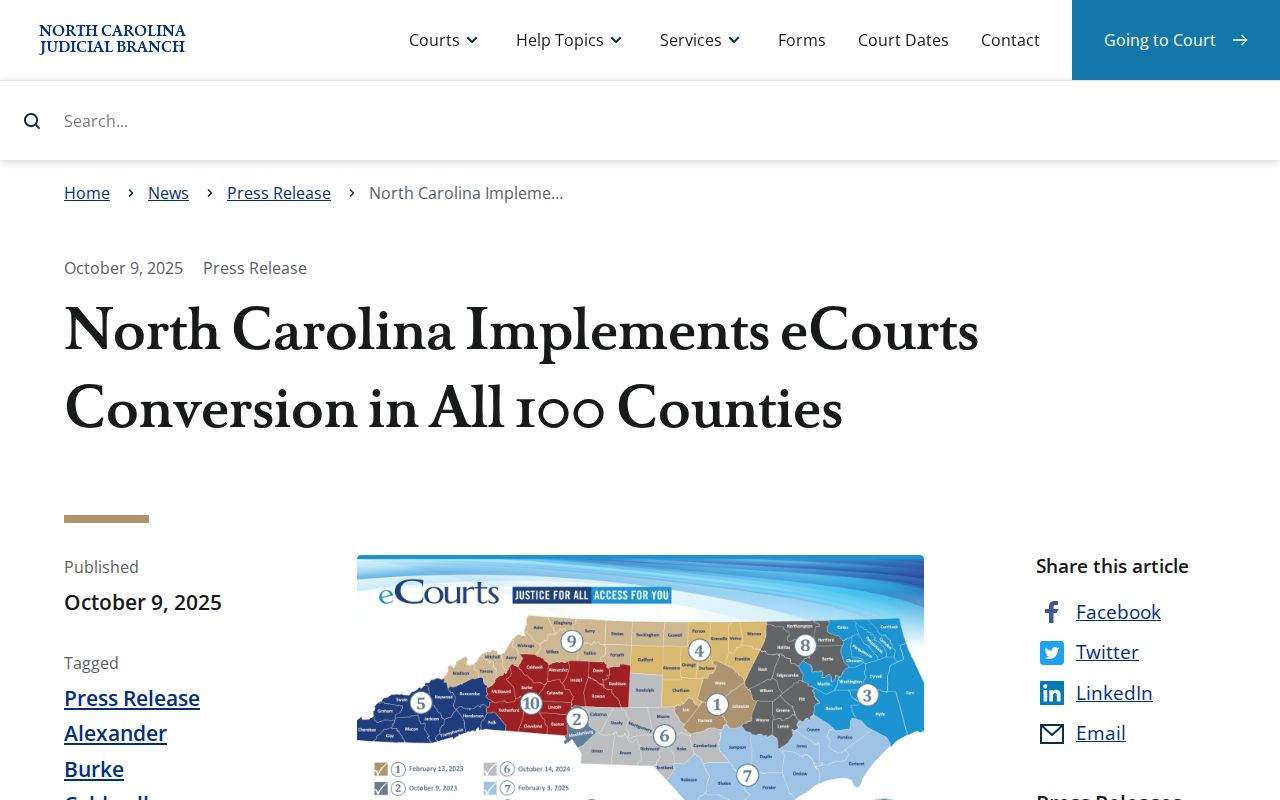
In short, the statewide Portal is the online Catawba index. For a public civil docket entry or a formal copy, the Catawba clerk, the public terminal, and the original local file remain the practical fallback channels.