
How to Search Cases by Name in Catawba County
Catawba County moved onto North Carolina’s statewide eCourts Portal on October 13, 2025. Searching the Public Portal costs nothing. No registration is required. The basic Smart Search label is Record Number or Name. For a person, use the official format of last name, comma, first name. Start with the fullest identifying details you have. Then apply the Catawba County location filter and other advanced criteria to separate matching public records.
- Open North Carolina Portal and choose Smart Search.
- In Record Number or Name, enter the name as Last, First. Do not begin with a broad wildcard search.
- Open Advanced Filter Options after entering that basic criterion. Set Location to Catawba County and, if needed, choose a case type, status, filing-date range, or date-of-birth range.
- Submit and narrow the search if the result set is large. Review the list for the matching case number, case type, assignment, and filing context.
- Select the underlined case number to open the available public Case Summary or Register of Actions. If there is no match, recheck the format and use the clerk or public terminal rather than treating the absence as a final answer.
| Field label | Type | Required | Notes |
|---|---|---|---|
| Record Number or Name | Text | Yes, one basic criterion | Enter a case number or a name in Last, First order. |
| Search Type | Advanced dropdown | No | Official examples include Case Number, Party Name, Business Name, and Citation Number. |
| Location | Dropdown | No | Choose Catawba County to limit a statewide result set. |
| Date of Birth | Date or range | No | Public results mask month and day; the field is for distinguishing similar public names. |
| Case Type, Status, Filing Date | Dropdowns and date range | No | Use only relevant criteria after entering the basic search. |
Catawba Case Lookup in Portal Smart Search
Portal is the public viewing channel. File & Serve is a separate application for filing. A registered Portal user can save matters in My Cases. Registration does not expand public access. The clerk’s office remains the local record custodian for Catawba Superior Court and District Court matters. Those matters cover criminal, civil, family, special proceedings, estates, small claims, infractions, and court-side traffic records.
A public search returns at most 200 results. That cap is a practical reason to start with Catawba County. Add a filing-date window or case type when the name is common. Portal’s advanced Party Name option is not recommended for a wildcard search. It limits results and does not support the wildcard. You can search statewide first and narrow to Catawba afterward. But the county filter is usually the more direct route for a known local case.
The official Portal training and resources page describes the public search service. It also covers its available tools.
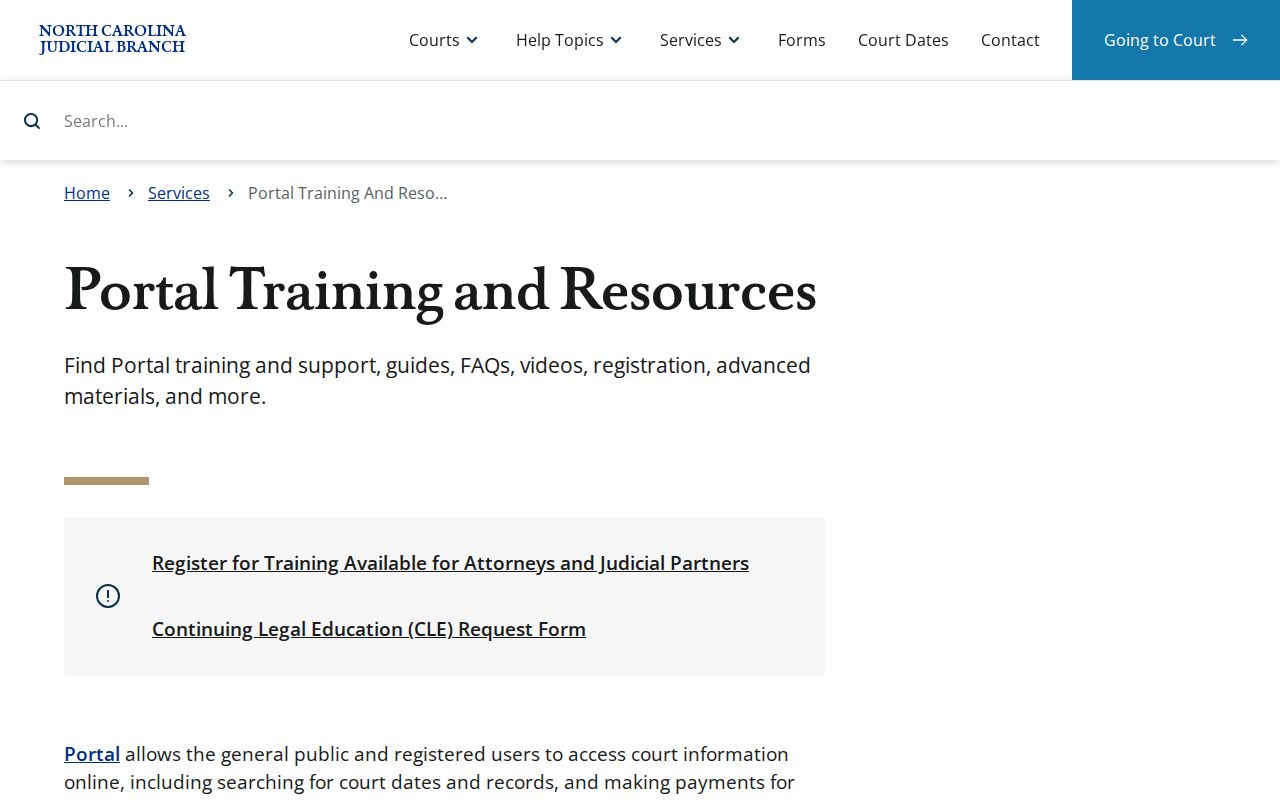
The training material helps with field names and workflow. The Catawba Clerk confirms a missing, restricted, or official record.
How to Search by Case Number in Catawba County
A complete number is the strongest Smart Search input. The statewide Enterprise Justice structure has four parts. They are a two-digit filing year, case-type letters, a six-digit sequence, and a hyphen followed by a three-digit county identifier. Structurally, that is YY-case letters-six digits-county identifier. The state materials give no Catawba suffix. So do not guess a local suffix from another county or an instructional example.
Older civil matters can retain legacy references even after Catawba’s eCourts conversion. CVD means Civil General. CVM means Civil Magistrate, and CVS means Civil Superior. Other retained references in the state guide include T for civil transcript, M for miscellaneous civil judgments, R for registration, and E for estates. A legacy prefix helps frame a search. But the opened Case Summary, assignment, and case type are the dependable way to confirm which division is handling a record.
If a complete number returns no public result, first check transcription and the expected format. A record can also be restricted, confidential, absent from the public view, or entered differently. The clerk counter or the public self-service terminal at the Catawba County Justice Center is the next channel for an available local record.
Catawba Case Lookup Filters and Result Limits
Advanced filters add precision to a Catawba case lookup. They never replace the required basic criterion, though. Location can be set to Catawba County. Case Type includes public civil, nonconfidential special proceedings, estates, criminal actions, and more detailed categories. Case Status depends on the case type, and Filing Date accepts a date range. The date-of-birth filter can help with similar names. Public results display only the year when that information is available.
Portal supports a case-number wildcard only after at least four characters before the asterisk. For a name wildcard, the official guidance asks for at least three surname characters followed by an asterisk. It also asks for at least one given-name character followed by an asterisk. Use those limits deliberately. Smart Search stops at 200 results. A broad name with no county filter can bury the record you want among statewide matches.
Portal records and public images appear after upload to Odyssey. Timing is subject to daily volume and processing. Documents are downloaded one at a time. A file that is too large can trigger an error requiring clerk assistance. These limits are good reasons to record the case number. Contact the Catawba Clerk when the online material seems incomplete.
What a Case Search Shows in Catawba County
Smart Search opens Portal’s Case Summary, locally described as the Register of Actions. It is a public summary of docket entries built from the clerk’s official record. It is not a certified copy. A section appears only when information exists. An absent Financial Information section, for example, does not establish that a case is not public, complete, or final.
| Case number | The Enterprise Justice record identifier. Open the underlined number to reach the Case Summary. |
|---|---|
| Case and assignment information | Basic case data and the available court-assignment information, useful for distinguishing Superior, District, magistrate, or clerk-administered matters. |
| Party information | Public party roles, subject to confidentiality limits. Portal searches return all parties except victims. |
| Causes of action | A civil, family, probate, or mental-health classification when that section is populated. It is not a finding on the merits. |
| Case events, hearings, dispositions | The public chronological activity, available settings, and recorded resolution information. |
| Financial information and documents | Sections available only when populated and public. Portal does not display payment due dates, which should be confirmed with the clerk. |
Catawba Case Summary and Register of Actions
A Catawba case summary reads like a file folder with tabs. You get case and assignment headers, party information, causes of action where they apply, and then a timeline of Case Events, plus Dispositions, Hearings, and Financial Information when populated. For a criminal docket, the state guide labels events such as issue, service, return, reset to unserved, and recall for warrants, orders for arrest, and criminal summonses. In a civil matter, read the case type, assignment, events, hearing section, and disposition as one package.
No Catawba code glossary exists on the Portal. So use the state terms. The official civil list includes statuses like Pending, Appealed, Reopened, Stayed, Unserved, Transferred to Superior Court, Transfer to Another County, Trial De Novo, and several Disposed labels. A label describes the record. It is not a substitute for reading the order itself or asking the clerk for an official record when you need one.
County vs Statewide Case Search in Catawba County
There is no separate Catawba County docket website rivaling the statewide Portal. The real choice is between a statewide Smart Search and the same Portal search narrowed by Location to Catawba County. Both are free public searches. The county-specific route returns a local set of Catawba court records, while the statewide route helps when you do not know where the case was filed. For an official file, a paper record, or a certified copy, the Catawba Clerk remains the county channel.
| Statewide Portal search | Portal narrowed to Catawba County |
|---|---|
| Searches public records across participating North Carolina locations. | Uses the Location filter to focus on Catawba’s unified Superior and District Court record system. |
| Useful when the filing county is uncertain or a name needs a broader public search. | Useful for a known Catawba case, where common names need fewer statewide matches. |
| Still subject to the public-access rules and 200-result cap. | Still the same Portal, so it does not replace the clerk’s counter, terminal, paper file, or certification process. |
Catawba Case Lookup, Judgment Search, and Hearings
NC Judgment Search is its own Portal tool. It works by party name or case number. Then you can filter by case type, status, location, and judgment date. What you get is a judgment index: case number, disposition status, index date and time, parties, and judgment comments. When you want the fuller public Case Summary, carry the case number into Smart Search. The index is not the whole case file.
Search Hearings is also separate. For a current Catawba setting, pick Location, Hearing Type, a search type, matching criterion, Date From, and Date To. Then submit. The result shows current location and time. It will not say whether a setting is virtual or in person. So contact the clerk for connection instructions. Eligible criminal and infraction matters can go through Portal's Make Payments route. That payment service is not a complete case-search or court-record channel.
The Tyler File & Serve landing page is a filing service. It is not the public Catawba case lookup.
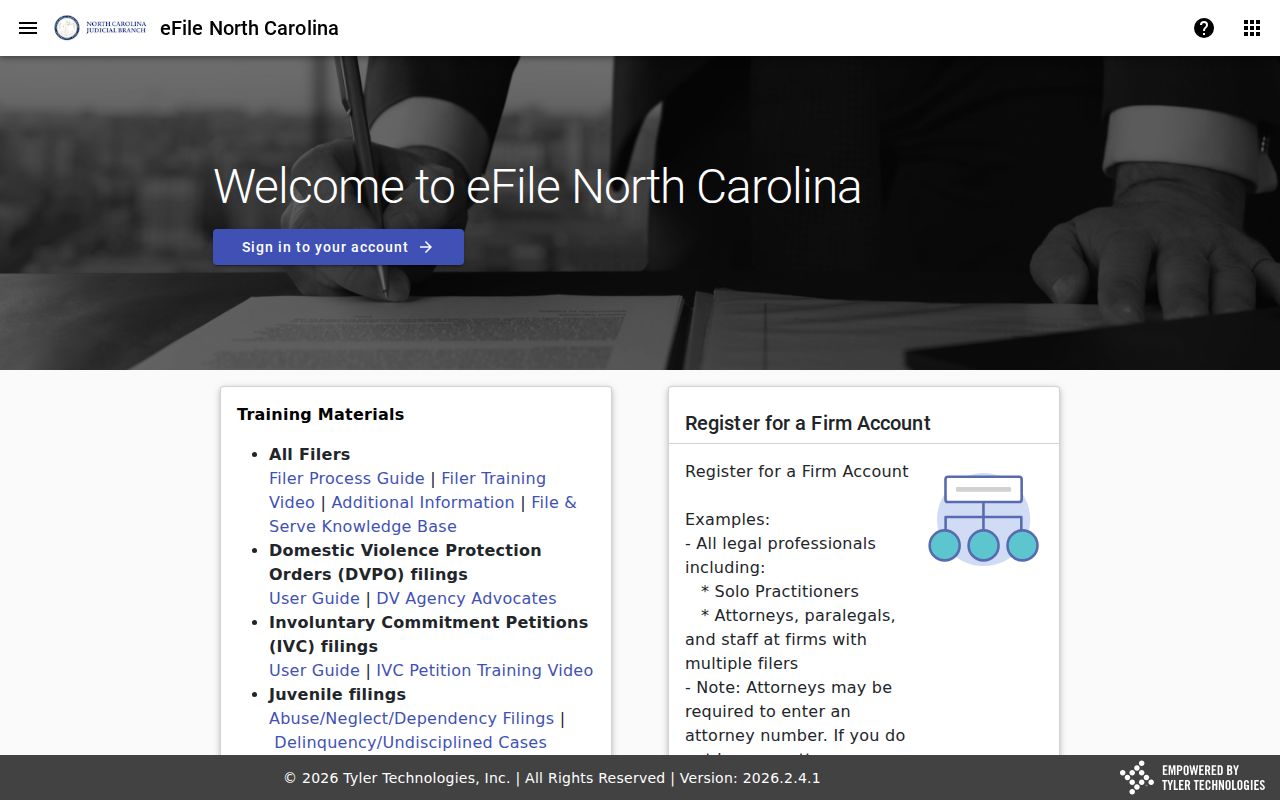
Keep filing and public viewing separate. That distinction steers a searcher to Portal or the Clerk for court-record access instead of mistaking an e-filing landing page for a docket.
Restricted Cases and Access Rules in Catawba County
North Carolina General Statute 7A-109 requires clerks to keep prescribed records, files, dockets, and indexes open for public inspection during regular office hours. That duty holds unless a law limits access. In practice, the Portal shows public case summaries, public events, public filings and images after upload, public hearing information, dispositions, and available financial information. That online result still differs from a clerk-issued certified copy.
Sealed and confidential cases, data, and documents never display online. State sources list several categories as restricted. They include juvenile matters, unreturned criminal warrants, protective-order records, domestic-violence protection orders, named confidential special proceedings, and certain restraining-order categories. A domestic-violence case can be public. Selected data can still stay off the web. The clerk's public terminal can confirm the case exists where the law permits. Juvenile records are confidential under G.S. 7B-3001.
Catawba Case Lookup at the Clerk Counter
When the Portal will not show a record, the Catawba Clerk of Superior Court is the local channel. The office sits in the Catawba County Justice Center, 100 Government Drive, Department A, Newton, NC 28658. The main line is (828) 695-6100. Civil is (828) 695-6103, and Criminal is (828) 695-6102. State guidance says a public self-service terminal is available at a clerk's office in any county for criminal, civil, special-proceeding, and estates information. Paper files are inspected in the county where the case sits.
The NCAOC public-records request page is not a Catawba case-copy form. NCAOC states plainly that it is not the custodian of case documents or case information. So it will not fill an ordinary Catawba case-file request. The Judicial Branch Catawba contact directory helps with local routing. Use the clerk to inspect a paper file, request a copy or certification, or ask about a missing record. The county offers no online case-copy form. Confirm any copy request with the clerk directly.
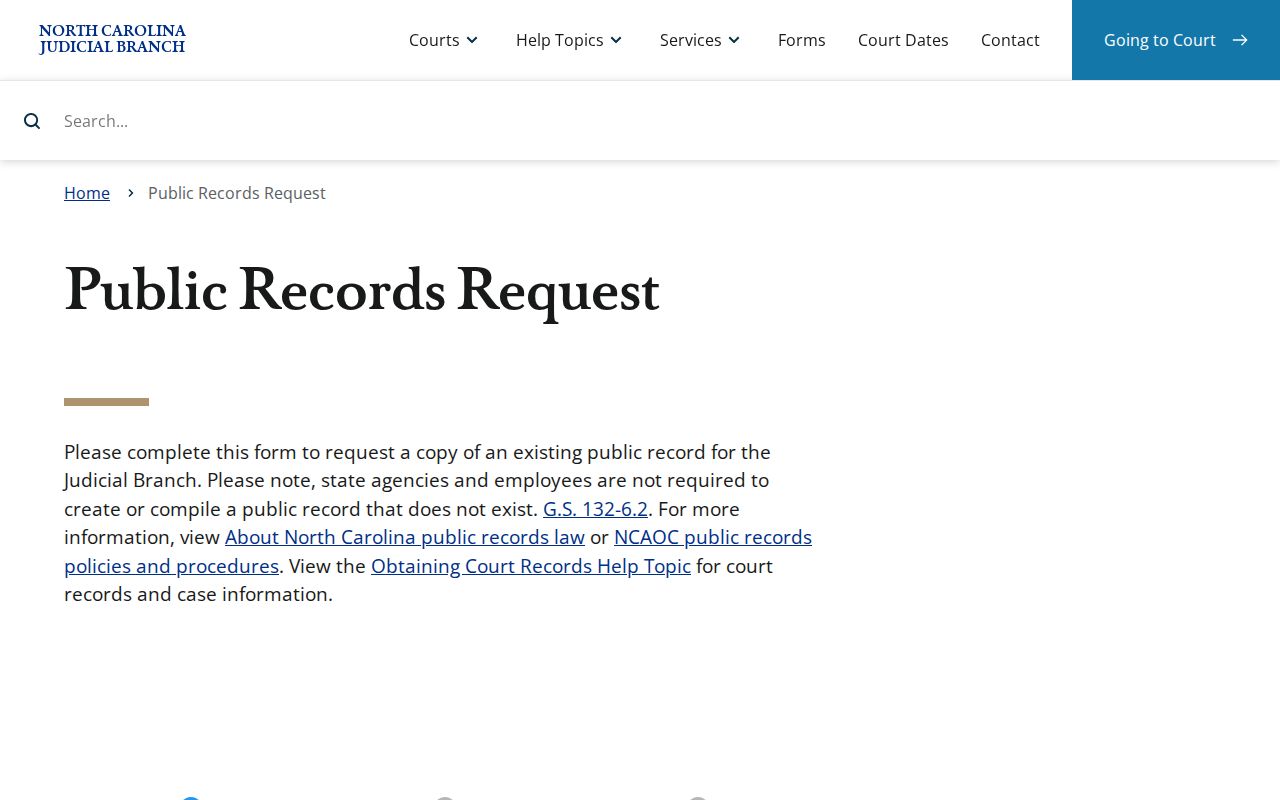
That form covers Judicial Branch administrative records only. For ordinary local case copies, the Catawba Clerk is the custodian.